

LibGuides
The most popular content management & curation platform for libraries.
Two Robust License Options
LibGuides is a flexible platform for creating and sharing guides, maintaining A-Z lists, and publishing blogs.
LibGuides CMS offers additional powerful features for customizing, managing, and organizing content. A full content management platform for your library.
Key LibGuides Features
- Build an unlimited number of guides
- Library-specific reusable assets to easily share catalog items, A-Z databases, and other media
- Built-in modern blogging tool
- Fully customizable, multi-lingual look & feel options
- Profile boxes that highlight librarians’ subject expertise
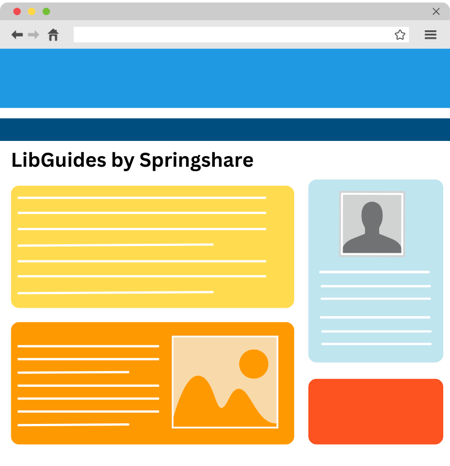
One Platform, Many Uses, Infinite Possibilities
Subject, Topic, and Course Guides
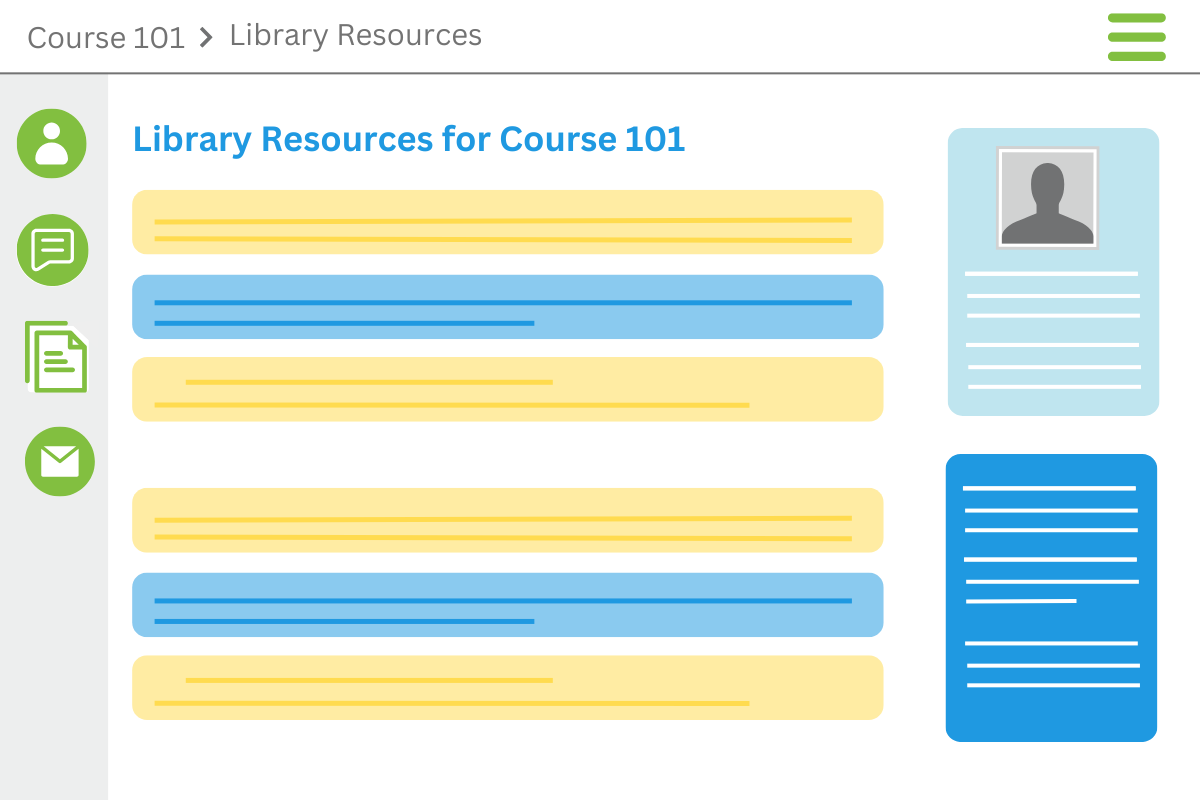
Create curated guides to help patrons start library research. Promote library content and resources and embed guides at the point of need. Embedding targeted library content into your courseware platform at scale is easy with the LibGuides CMS LTI tool.
Manage A-Z Database Lists
The LibGuides A-Z tool increases database visibility and usage with robust browsing and search options for the database content. Promote and embed subject-specific databases on other pages, manage database trials, highlight new database additions, and more.
Information Literacy and Library Instruction
Build targeted guides for library instruction programs. Enhance information literacy programs with relevant guides to help connect users with library content. Embed media-rich content to supplement library teaching. Combine with LibWizard for even more library instruction features.
Create & Maintain Websites and Blogs
Create library websites that fully match your institution's branding and domain. Our SEO techniques ensure your LibGuides web pages are indexed and highly ranked by all major search engines. APIs allow ingesting of LibGuides content into your discovery layer.
Build Cloud-Based, Secure Staff Intranet
Integrate with our LibAuth layer which plugs into your ID/authentication platform for fine-tuned access to LibGuides content. Staff can collaborate building and organizing institutional knowledge in one, secure content platform. This is a LibGuides CMS only feature.
LTI Connector for LMS Integration
With our LTI integration, you can map your LibGuides content to courses at your institution, so students automatically see the targeted course content you create in LibGuides right alongside their other LMS content, automatically! This is LibGuides CMS only feature.
Add, Reuse, Share - Leverage Your Content and Save Time
Reuse Content
Everything in LibGuides is reusable. Share links, content, pages, and guide templates across your institution or with the community.
900,000+ Guides to Share
Reuse guides from the LibGuides Community and benefit from the knowledge and best practices of librarians worldwide.
Courseware Integration
Our LTI Module for LibGuides CMS enables you to insert targeted library resources into any LTI-compliant courseware platform.
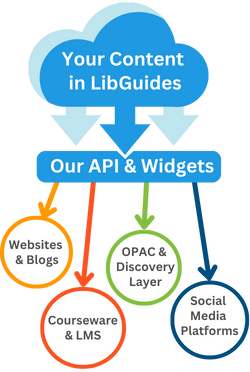
APIs and Widgets
All content within LibGuides (links, RSS feeds, documents, etc.) can be integrated within any website using our easy-to-use widgets and powerful RESTful APIs.
Distribute Your Content
Turn your LibGuides into an easy-to-use repository of librarian-created content and distribute it into courseware, social media, blogs, discovery layer, OPAC, or any other website.
Powerful Reporting & Statistics On Content Use
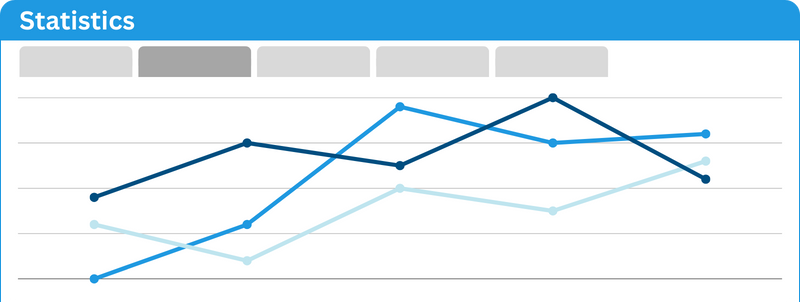
Real-time insight into your system usage, including hits on guides and individual assets. Drill down to individual guide reports to see how many times guides were accessed each month. Produce reports detailing the success of your information literacy and library instruction programs.
LibGuides CMS offers even more detailed statistics such as number of user sessions, browser and operating system breakdown including mobile devices, search terms statistics, referring URLs, and more.
Let the Community Inspire or We Can do the Heavy Lifting
Community Site: An Endless Inspiration Source
The LibGuides Community site shares guides and best practices from thousands of libraries who use LibGuides all over the world. It's a wonderful source of inspiration and a learning tool on best practices of using LibGuides for various use-cases.
Our Experts Can Customize and Build Your Site
Our Consulting Team is staffed by web designers who are also MLS-degreed librarians - so if you are too busy or would just like some expert assistance in building your library website, we can help. Ask for a free consultation and we'll make it happen!
"LibGuides is one of the most flexible platforms I use. Not only can it do almost anything, the interface is so intuitive that anyone can skillfully use it. I've taught many folks at my school how to use LibGuides for their course-pages, project descriptions, photo galleries, and more! Plus working with the folks at Springshare is always a pleasure!"
Trevor Martin
Director, Marin Academy
A-Z Databases Management
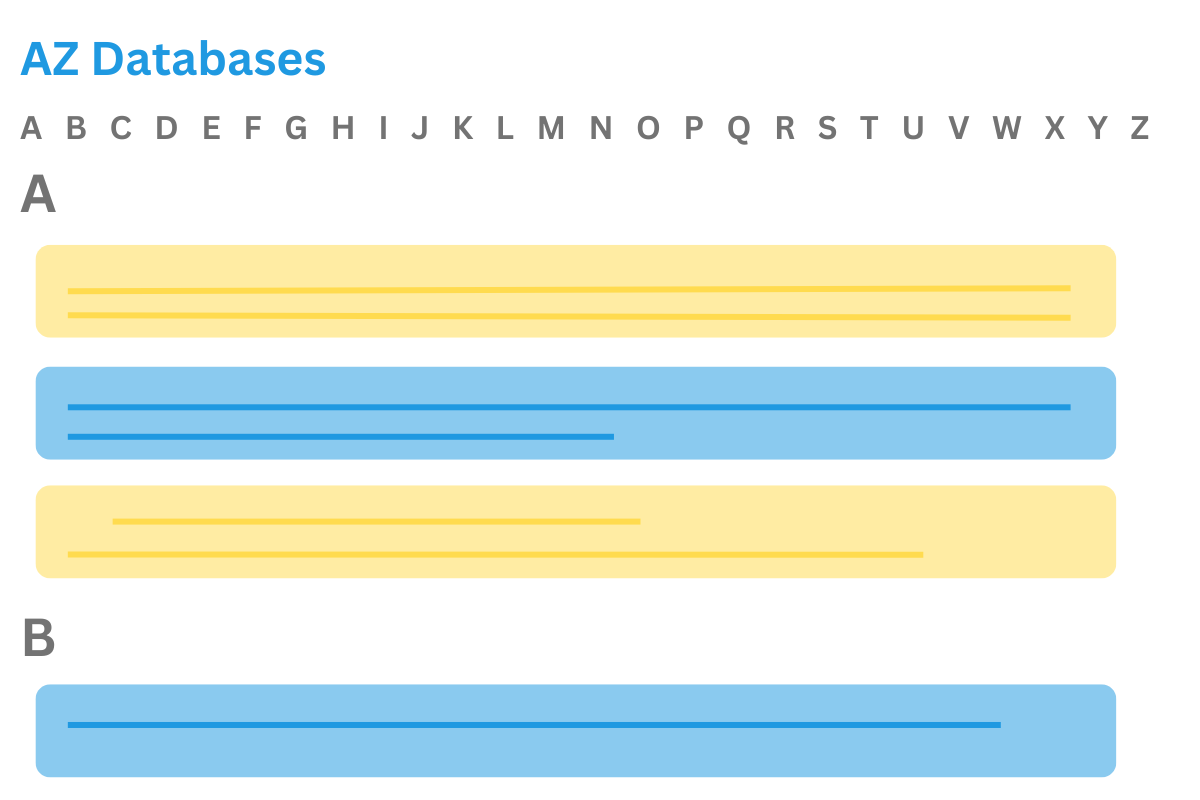
The LibGuides A-Z Database List provides a central repository for your patrons to browse, sort, search, and share your library’s research databases. The admin side provides full database management and upkeep ability.
- Import or update databases from a spreadsheet or your discovery system
- Custom database metadata with custom fields and tags
- Manage trial databases and highlight new additions
- Embeddable widgets allow you to share your A-Z list anywhere
- Statistics reports on databases usage
Customizable Research Guides
Each LibGuides system is built from modular, customizable blocks, designed with libraries in mind. The system allows you to store and reuse content throughout your site!
- A guide is a webpage where you add and share content
- Each guide can be organized into pages
- Each page contains content boxes
- Each box holds content items, like text, links, images, and databases
- Integrated reusability means you can create content once in LibGuides and reuse it again and again

Do More, Get More - With LibGuides CMS
LibGuides CMS unlocks powerful features for customizing, managing, and organizing content. These features can be used to create robust guides or can function as a standalone website for your library! Our Consulting Team works with libraries to create beautifully designed and highly customized websites.
- Granular account permissions and publishing workflow options
- More guide and content organization options, including groups and IP restrictions
- Embed library content into courseware via LTI connector
- Read & write API capabilities
- Advanced A-Z features with custom fields, multiple A-Z lists, and more
LibGuides CMS for Website Management
Design and Style
Control the look and feel of your site at the guide or group level. Guide templates and publishing workflows allow for visual consistency and publication review process.
LibApps Integration
Integrate virtual reference services via LibAnswers and library calendar, events, and room bookings via LibCal.
Statistics
Gather in-depth statistics about your site and patron behavior including referral URLs, search stats, and viewers by session.
Springy Experts
Our Consulting Team can design and set up your website or update an existing one.
.png?width=450&height=810&name=LibGuides%20CMS%20Website%20(1).png)
Ready for the Next Steps?
We'd love to show you how LibGuides can increase the usage of your library resources and strengthen your institution's online presence. Contact us today for examples of real-world usage or to organize a demo for you and your colleagues.